
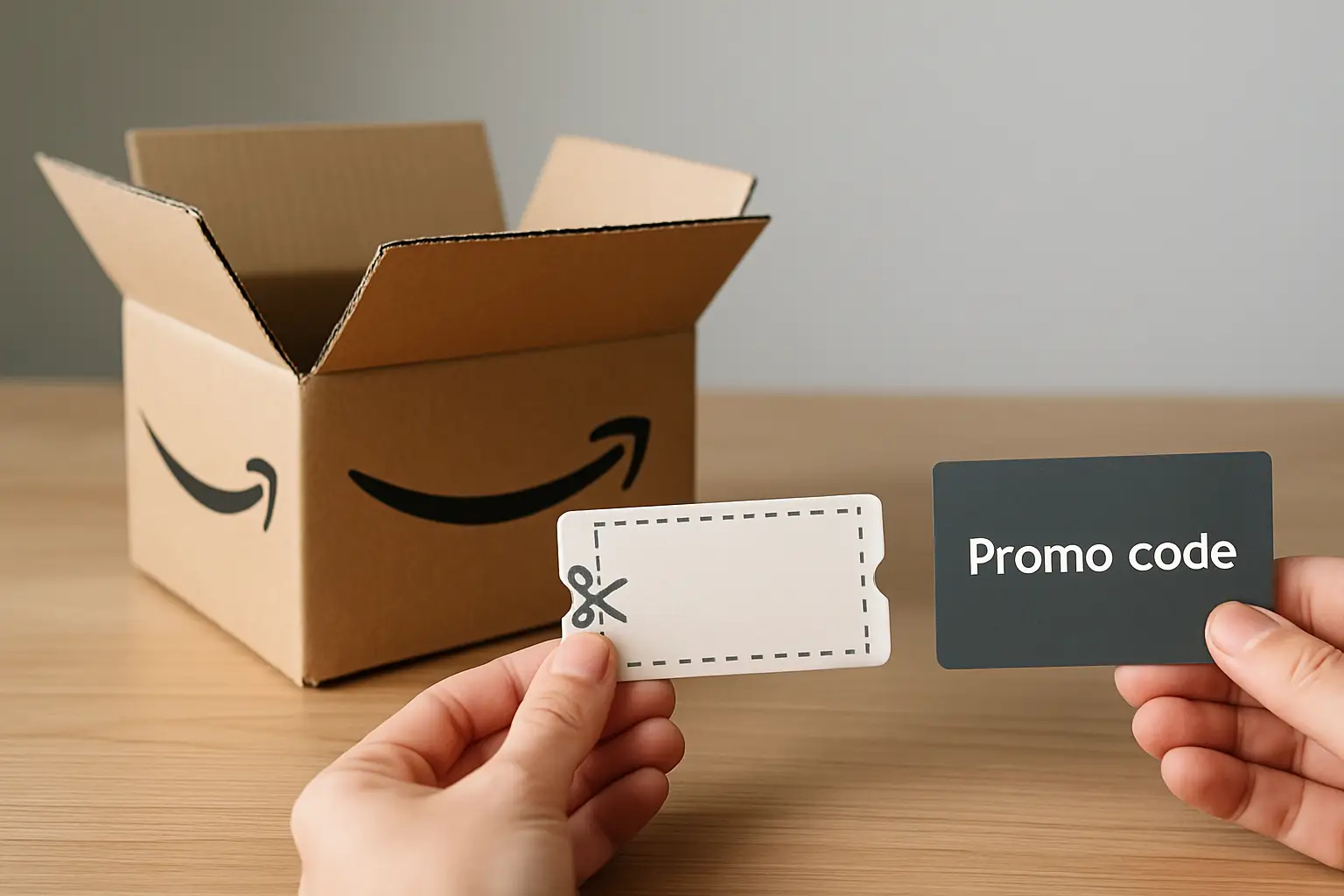
You find a killer deal on Amazon, click through, and then the price shifts at checkout. Sound familiar? That little swing is usually the difference between an Amazon coupon you clipped and a promo code that only kicks in under the right conditions. If you want the biggest discount (and you want it fast), you need to know how Amazon coupons vs promo codes actually behave.
Amazon coupons vs promo codes: the real difference
Amazon coupons are the “clip it now” discounts you see on a product page or in Amazon’s coupon section. You click a button (Clip Coupon), and the discount applies automatically when you check out – as long as you meet the terms.
Promo codes are typed discounts (or automatically attached codes) that apply at checkout only when the code is entered and valid. They are usually set up by the seller, sometimes limited to certain variations, quantities, or customer groups.
Here’s the practical way to think about it: coupons are visible and fast, promo codes are conditional and picky. Both can be amazing. Both can also be the reason you thought you were getting 50% off and ended up with 10%.
How Amazon coupons work (and why they’re so popular)
Amazon coupons are built for speed. You spot a green badge or a coupon box, you clip it, and you’re on your way. Most of the time, the discount is taken off at checkout, not on the product page, which is why the displayed price and the final price can look different.
Coupons are often either a percentage off (like 20% off) or a dollar amount (like $5 off). The coupon terms matter more than the headline. Some coupons require a minimum purchase amount, some only apply to one unit, and some only apply to certain sizes or colors.
The big advantage is simplicity. If you’re a bargain hunter who wants proof fast, coupons are usually the easiest win because you can confirm the discount in the cart without guessing which code to use.
Common coupon “gotchas” shoppers run into
The coupon is clipped, but it doesn’t apply. Usually it’s because the item in your cart is a different variation than the coupon covers, or the seller changed. Amazon listings can have multiple sellers, and coupons are frequently tied to one specific seller’s offer.
Another common one: the coupon applies only once per account, even if the listing still shows the coupon badge. You’re not doing anything wrong – you just already used it.
How Amazon promo codes work (and when they beat coupons)
Promo codes are the checkout secret weapon when they’re set up well. Sellers use them for targeted promotions, influencer campaigns, seasonal pushes, and fast inventory moves. You might see “Save 30% with promo code” in the listing images, in the description, or in a seller’s promotion section.
Unlike a coupon, a promo code is not always visible to everyone, and it’s not always easy to test quickly. Some codes only work for first-time buyers of a brand, some only work on one specific variation, and some only work if you buy multiple units.
When promo codes shine is on deeper discounts. It’s not rare to see 40%-70% promo codes on items where the coupon is only 10%-20%. The trade-off is you have to read the fine print and confirm it at checkout.
Promo code “gotchas” that waste time
Promo codes can be case-sensitive and space-sensitive, and some expire without warning. Another big issue is category eligibility. The listing might show multiple related products, but the code only works on one.
Also, some codes are structured as “buy 2, save 20%” or “buy $50, save $10.” If you don’t hit the threshold, the code may still show as entered but won’t reduce the price.
Which one usually saves more?
If we’re talking averages, promo codes can offer bigger headline discounts, especially on newer brands trying to win shoppers quickly. But Amazon coupons are more dependable because they’re easier to apply correctly.
So the honest answer is: it depends on what you’re buying and how the promotion is set up. For everyday household items, coupons are often the steady savings play. For trendy gadgets, niche beauty, and “try us” brands, promo codes can be the bigger punch.
Can you stack Amazon coupons and promo codes?
Sometimes, yes – and that’s where the unbeatable deals happen.
Amazon allows stacking in certain cases: you might clip a coupon and also apply a promo code at checkout. But stacking isn’t guaranteed because sellers control a lot of the rules behind their promotions. If a seller sets a promo as “cannot be combined,” the coupon might still clip but won’t apply, or the promo code will be rejected.
The fastest way to test stacking is simple: clip the coupon first, add the item to your cart, then apply the promo code at checkout and watch the order summary. If both discounts appear, you just found the kind of deal bargain hunters brag about.
One more nuance: Subscribe & Save discounts, coupon discounts, and promo codes can interact in different ways. Sometimes the coupon applies on top of Subscribe & Save. Sometimes it won’t. Always check the final total before placing the order.
Where each discount shows up (so you don’t miss it)
Coupons are usually obvious on the product page. You’ll see a coupon checkbox or a green coupon badge near the price. Clip it, and the discount appears later in checkout.
Promo codes can be harder to spot. They might show under “Special offers and product promotions,” inside listing images (which people scroll right past), or in the product description. If you’re scanning quickly, this is exactly where money gets left on the table.
If you’re serious about saving, train yourself to do one extra scroll on listings you’re ready to buy. That’s often where the promo code is hiding.
Quick decision rules for faster savings
If you’re choosing between a coupon and a promo code and you don’t want to overthink it, go with the discount you can verify in the cart.
If the coupon is clean and applies instantly, it’s a safe win. If the promo code claims a huge percentage off, it’s worth the extra 20 seconds to test it at checkout – but only if you’re willing to walk away when it doesn’t apply.
And when you see both available, always try stacking. That’s how you turn a good deal into a “Posted today” level steal.
Watch-outs that matter for deal hunters
Amazon pricing moves fast, and discounts aren’t the only thing changing. The seller might switch, the coupon might vanish, or the promo code might hit its usage limit. That’s why urgency is real on Amazon – especially on items that look like a price glitch.
Also, keep an eye on shipping costs and delivery timing. A discount that looks amazing can get less exciting if it pushes you into slower shipping, or if you’re not hitting free shipping thresholds.
Returns matter too. Some heavily discounted items are still returnable, but not always. Before you chase a massive promo, make sure you’re comfortable with the return policy and the product details.
The best way to shop Amazon discounts like a pro
The most consistent savings strategy is to treat coupons and promo codes as tools, not promises. Verify every discount in the cart, double-check the exact variation you’re buying, and don’t assume the deal will still be there in an hour.
If you want to save even more time, use a centralized deal hub that shows the discount, the price drop, and how to redeem in one place. Price Glitches Online (https://Priceglitches.online) is built for that style of shopping – quick scanning, clear savings, and daily updates across categories so you’re not hunting across a dozen tabs.
Happy bargain hunting – and next time the price “mysteriously” changes at checkout, you’ll know exactly whether you needed to clip, type, or stack.